

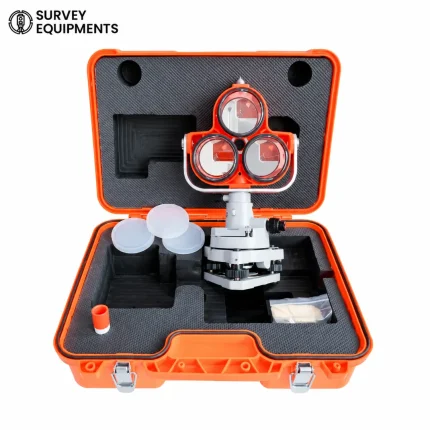



Replacing the BT-65Q battery in a Total Station is a straightforward process, typically involving these general steps:
Key Features:
- Identify the Total Station Model: Different Total Stations may have slight variations in their battery compartment design. Locate the battery compartment on your specific Total Station model.
- Prepare the Total Station:
- Power off the Total Station and disconnect it from any external power sources or accessories.
- Access the Battery Compartment:
- Look for the battery compartment typically located on the bottom or back of the Total Station. It may have a latch, screws, or a sliding cover that needs to be opened.
- Remove the Old Battery:
- Carefully disconnect the wires or connectors attached to the old BT-65Q battery. Take note of the orientation and how the battery is positioned within the compartment.
- Install the New Battery:
- Insert the new BT-65Q battery into the battery compartment, ensuring it fits snugly and securely. Connect the wires or connectors to the new battery, following the correct polarity (positive to positive, negative to negative).
- Secure the Battery Compartment:
- Close the battery compartment cover or panel securely.
- Power On and Test:
- Power on the Total Station to ensure that it operates correctly with the new battery installed. Some Total Stations may require recalibration or initialization after a battery change, so refer to the user manual for specific instructions.
- Dispose of the Old Battery:
- Dispose of the old battery responsibly according to local regulations and recycling guidelines. Batteries contain hazardous materials and should not be thrown away with regular trash.
- Maintenance Tips:
- Monitor the battery life of your Total Station regularly and replace the battery as needed to ensure continuous operation. Proper maintenance helps extend the lifespan of both the device and the battery.
If you are unsure about any steps or encounter difficulties during the replacement process, refer to the user manual provided with your Total Station or contact the manufacturer’s customer support for assistance. Following these guidelines will help ensure a smooth and successful battery replacement for your Total Station.




Reviews
There are no reviews yet.